Your bank gave you a plastic card. It looks like every other plastic card on the planet. You've decided that's not good enough anymore.
Here's the good news: you don't need to switch banks, apply for a special account, or spend thousands on a premium banking product to carry a metal card. You just need to know how the process works. This guide covers everything — from choosing the right metal card to installing your own chip and using it for everyday payments.
Step 1: Choose Your Metal Card
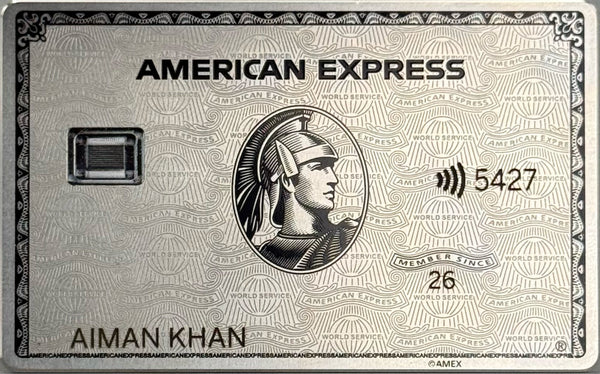
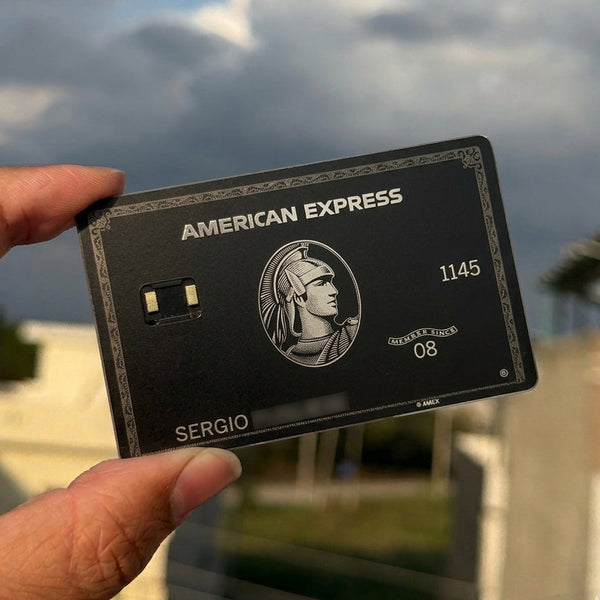
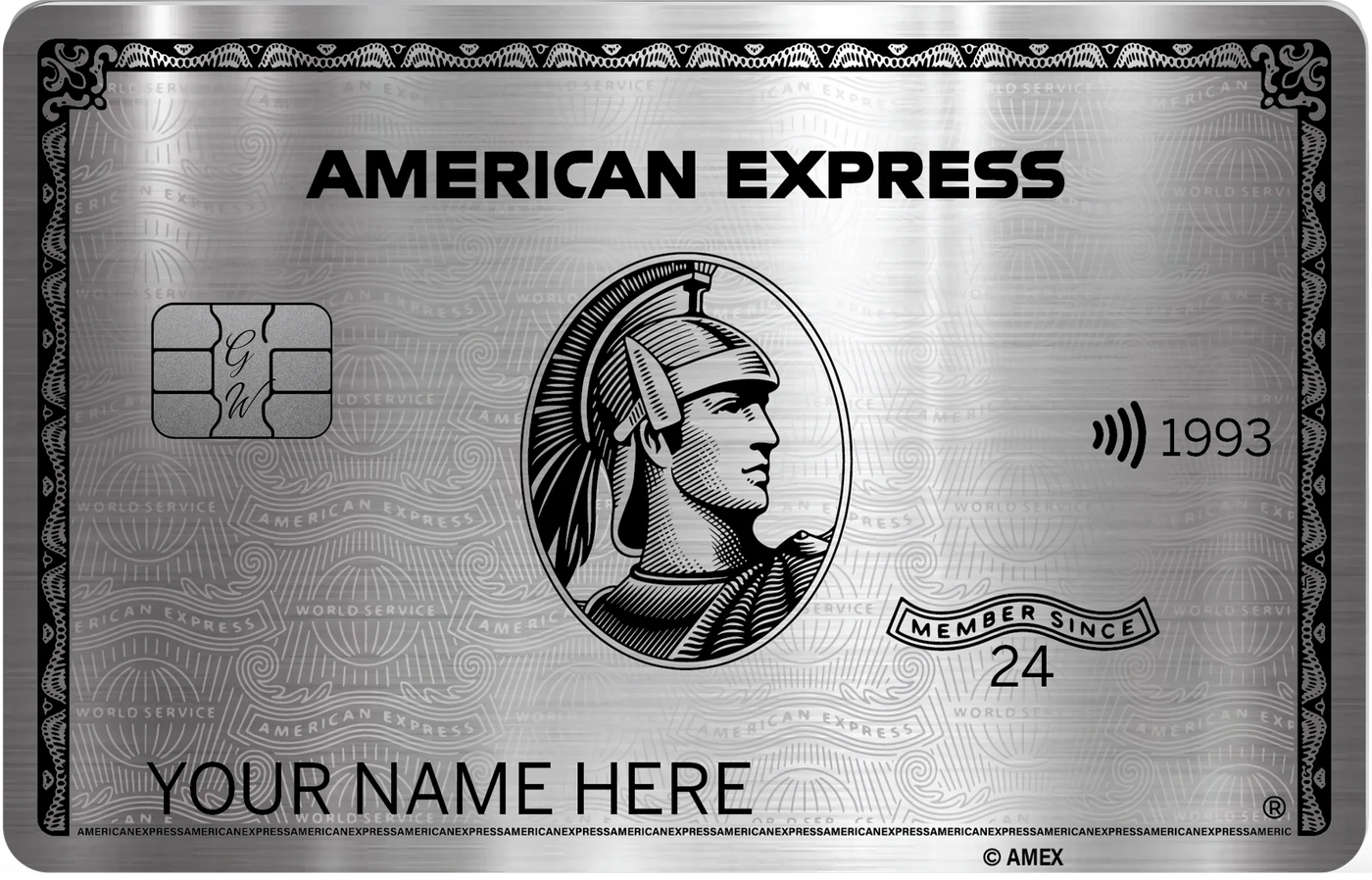
Before anything else, you need to pick the card you want to carry. Solaris Metal Cards has over 80 designs in solid stainless steel — from banking prestige cards to crypto designs, art prints, and fully custom pieces with your own name or artwork.


Every card ships in standard credit card dimensions (85.6mm × 54mm) and is made from solid stainless steel. They arrive without a chip installed — which is exactly what you want, because you're going to install your own.
Step 2: Understand How Chip Transfer Works
Your existing bank card has a small gold chip embedded in it. That chip contains all your payment information. The process of moving it from your plastic card to your new metal card is called a chip transfer. Once it's in the metal card, the metal card becomes fully functional — it works anywhere your original card worked.
What you'll need:
- Your new Solaris Metal Cards metal card (with its pre-milled chip cavity)
- Your existing bank card with a chip you're willing to transfer
- A hair dryer or heat gun on low
- A craft knife or thin guitar pick
- B7000 glue (never super glue)
- About 20–30 minutes and a steady hand
Step 3: The Chip Transfer Process
The full step-by-step process — with photos and a video walkthrough — is on our dedicated tutorial page:
View the Chip Installation Tutorial →
- Heat the plastic card gently around the chip for 3–5 seconds to soften the adhesive
- Pop the chip out carefully using a craft knife or by gently bending the card
- Clean both surfaces — remove any old adhesive from the chip and the cavity in your metal card
- Test the fit without glue first to confirm the chip sits perfectly flush
- Glue it in with a single drop of B7000, press firmly, wipe excess
- Let it cure for a few hours, then test in a chip reader
What About Tap-to-Pay?
Full-metal cards do not support contactless tap payments. Solid metal blocks the NFC signal. If tap-to-pay is essential for you, we have two dedicated cards built for it:


Frequently Asked Questions
Will this void my bank card or account?
No. The chip carries your existing details — you're simply moving it to a different housing.
What if I damage the chip?
Request a replacement from your bank and repeat the process.
Does it work with any bank?
Yes. Works with any standard EMV chip card, from any bank, worldwide.
Is it safe?
Absolutely. The chip is yours and you're the one installing it. Your card never leaves your hands.